WhosMyOwner isn’t just for labeling your keys and luggage. What makes it unique is that members use it to protect just about anything big enough to stick a label on.

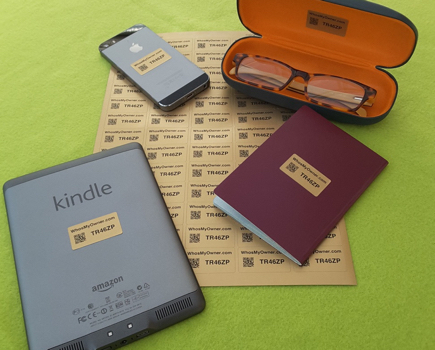
In fact, since we started including labels with new subscriptions, people are protecting all sorts of items they just don’t want to lose: phone chargers, cameras, passports, college books & notes, diaries, credit/debit/loyalty cards. Even wheelie bins!

Choose an item in the photo to see why you’d want to protect it.

Unlimited tagging and cheap labels means spectacular value for money, which is what we’re all about!

Do you use a digital camera as well as your phone?

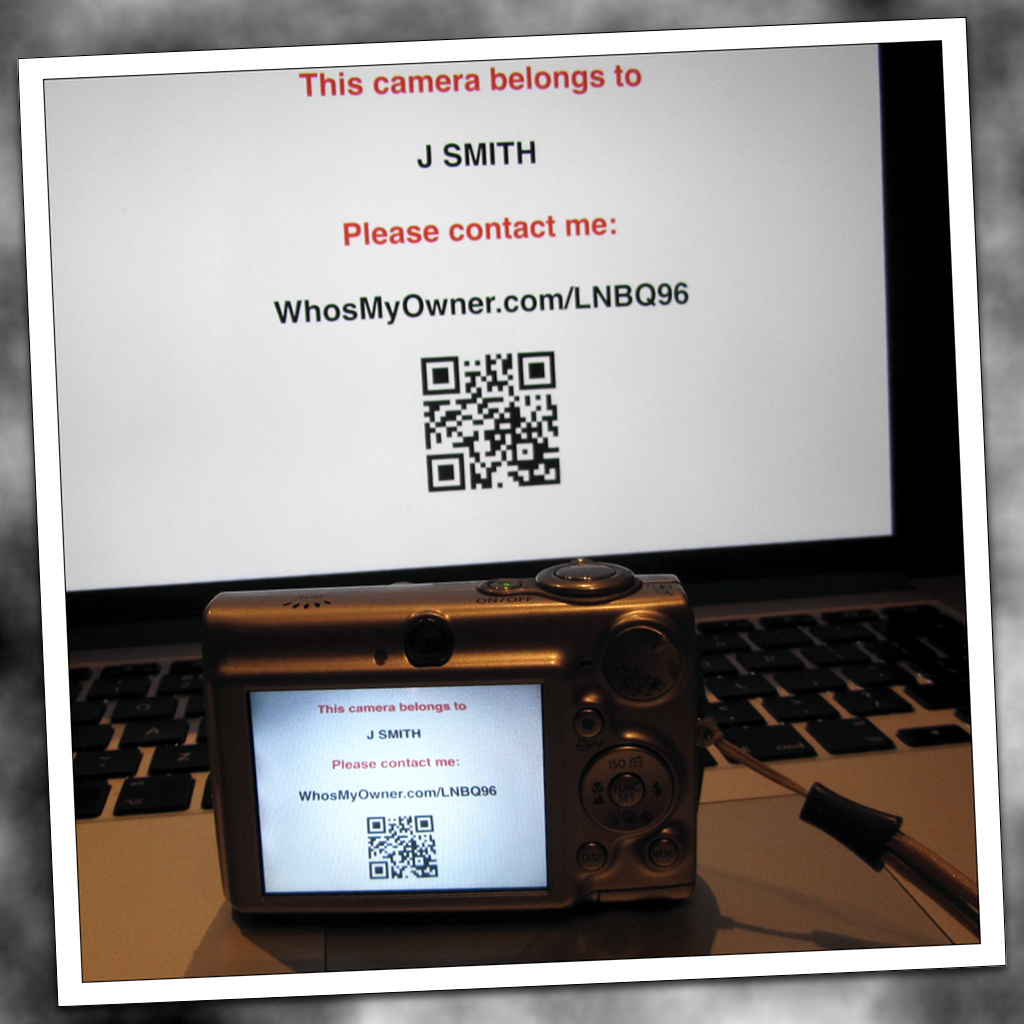
Here’s how to protect your camera, so that if it ever gets lost, you’ll probably get it back.

camera-saver

1. Make a sign or a simple PowerPoint slide (see photo) with some basic contact information on it.  If it’s easier, just write your sign clearly on white paper with a thick black marker.  Don’t include too much detail – you don’t really want strangers to know where you live!  The info on your WhosMyOwner tag is just about perfect.

2. Take a photo, or a series of photos, of your sign, and keep it permanently on your camera’s memory card.

Now if you ever lose you camera, whoever finds it will come across your sign and can easily contact you to return it.  People finding cameras almost always browse any photos on the memory card right away looking for a clue to the owner.

Remember to re-take your contact photo if you clear or replace your memory stick.   If you take thousands of photos it’s a good idea to re-take your contact photo occasionally, so that someone browsing your photos will find it quickly.

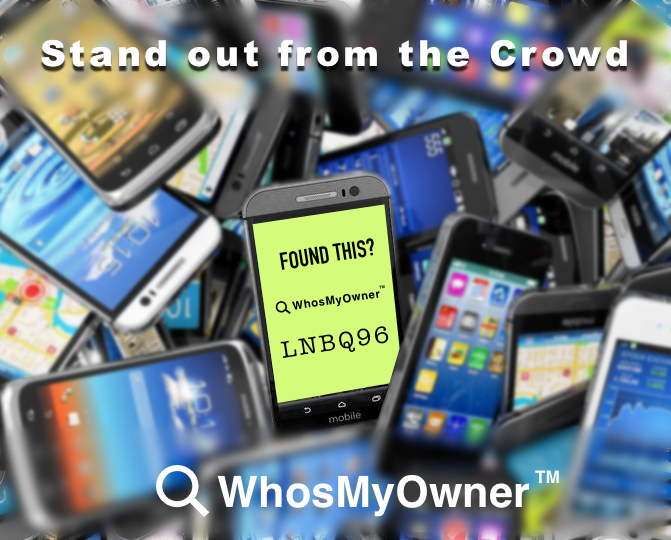
For smartphones, you can save the photo of your sign as your lock-screen image.  Better still, log in to WhosMyOwner and download your custom lock-screen image – it has all the details you need!


There are over 250 music festivals in the UK this summer, and hundreds more summer festivals if you include food, cultural themes and look outside the UK as well.   Whether you’re planning a trip to just one, or a whole summer of revelling, make sure your mobile phone doesn’t join the thousands that are lost (and never reclaimed) each year.   Here are 3 essential tips to help make sure you’ll still be sharing the fun with your online tribe during the journey home.

1.  Protect your phone from the elements.

If you’re a hardened veteran of festivals, or even just an occasional camping trip, you already know that water gets everywhere.  You don’t have to fork out for an actual waterproof phone case – just keep your phone in a heavy duty Ziploc freezer bag when it’s not in use, such as overnight.

2. Label your phone clearly

Naturally, we recommend our own labels and secure lock-screen image as the best and simplest method.  It has the advantage of not displaying your name or any other contact details on your device, just a reference number that can be used to contact you or a friend.  But if you’re not a WhosMyOwner member, just write your contact details on paper with a heavy marker, take a photo and set it as your lock screen image, at least while you’re at the festival.  Just don’t give away too much info!

3. Before you leave home…

If you are a WhosMyOwner member, be sure to save a friend’s mobile number and email in your notification preferences as well as your own, so you can quickly be notified if your phone is found or handed in.  Just log in and go to your Settings page.

Before you leave, make a note of your phone’s unique IMEI number.   Dial *#06# to display it on-screen.   Keep a copy this number separate from your phone, or back home with a family member who knows where to find it.  If there’s any doubt when claiming a found phone, this will identify yours.

Set up tracking if provided by your phone’s operating system, such as Find My iPhone for iOS devices.   These work well, as long as the lost device is powered up and within range.   (For that reason, take a portable power pack and keep your phone topped up!)

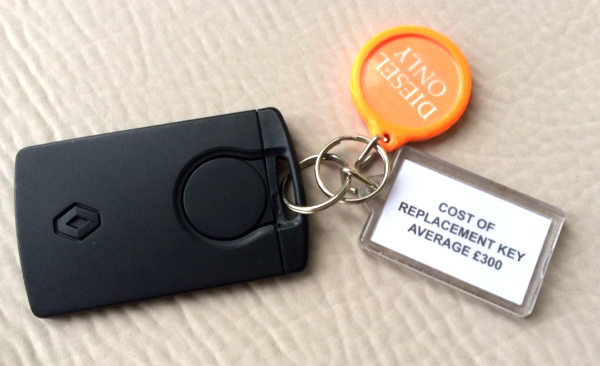
I’ve mentioned the cost of replacing car keys here before, but on a recent trip we rented a small Renault car which came with a strong warning on the key fob (see picture), in addition to the usual one about not putting unleaded in a diesel engine!   That £300 AVERAGE made me take a second look, especially when it’s for a rental car – not even my own!

The trouble is that keys are becoming more sophisticated with clever starting and security mechanisms, so they’re more costly to produce. In the case of a rental vehicle, it’s compounded by a harsh business reality: time is money!

It’s worth remembering that if you lose your car keys, the rental company will need to order new ones immediately – either for you or their next customer, and they can’t afford to wait.   Even if someone finds the keys you lost and returns them to the company, it’ll be too late to save you hundreds of pounds in replacement costs!

Be prepared:

1.  Check that your travel or rental car insurance covers lost keys for a rental car without too high an excess

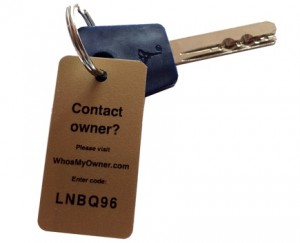
2. Carry a WhosMyOwner key fob on a small caribiner to attach to any temporary keys, like rental car keys.  That way, someone finding keys you’ve left behind can notify you by SMS or email within  minutes, and you’ve averted a costly problem.

3. Always check your rental contract and know HOW exposed you are to the potential cost of lost keys.   My own research shows that it ranges from £200  to well over £700 for even a small compact car.  Don’t get caught out!


If you’re letting out your holiday property, you’ve already accepted the risk of allowing guests to use your home.  But what if a guest loses one of your keys?  

If they are responsible people (and let’s hope most are) they’ll tell you about it, and maybe even organize a replacement key before they depart.

That solves your immediate problem (not enough keys to give your next guest), but it still leaves you with a security problem:  your original key is still out there somewhere, and your holiday home – and its contents – are at risk.

Changing the locks is the safest solution, but it’s an expensive option, and may not be easy to organize remotely or at short notice.  It may also prove unnecessary; missing keys have a habit of showing up after the guest arrives home, empties their car and sorts through their laundry!

That’s where our security tags come to your rescue.

Attach a WhosMyOwner key tag to each key.  Should a key is genuinely lost, there’s a great chance it’ll be found and reported very quickly, in which case you can recover it (or ask your client pick it up).
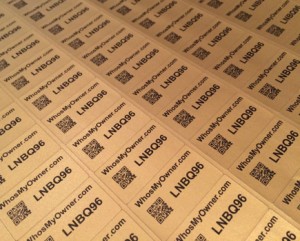
Our research shows that most people who find a tagged key will either notify you themselves using WhosMyOwner, or hand it in somewhere, and they’ll notify you.  Either way, you’ll usually be able to recover your key the same day.   Importantly, there’s nothing on our tags to identify you or your property.  This prevents an opportunist thief from finding your keys, locating the property, and waiting till till it’s unoccupied, as holiday homes often are.

If you don’t already have tags, or need more for your holiday property, you can order some here.


According to London Gatwick Airport,  about 85 per cent of “high-value” items, like laptops, mobiles and cameras, are returned to their owners, as well as 30 to 40 per cent of lower value items, such as books.

But that still leaves countless unclaimed possessions whose owners can’t be traced!

Many items are left at security, their owners having taken them out for scanning, then forgotten to collect them, presumably due to the stress of travel, or the a rush to make their flight (or start shopping!).

We personally know one passenger who picked up the wrong, identical, Macbook Pro after security.  Neither he nor the other owner realised their mistake until they were halfway round the world, in different countries, with the wrong computers.  Luckily one owner had stuck his contact details on the machine, and two FedEx trips later, they were swapped.

Are YOUR gadgets clearly and securely labelled for easy return?

Sometimes it’s as simple as a sticky label on the back.  If you want something safer than putting your name and contact details out there, why not download and print some FREE security labels from your WhosMyOwner account.

There’s more about airport lost property at Gatwick on The Telegraph’s website here.

Tagged with: ,

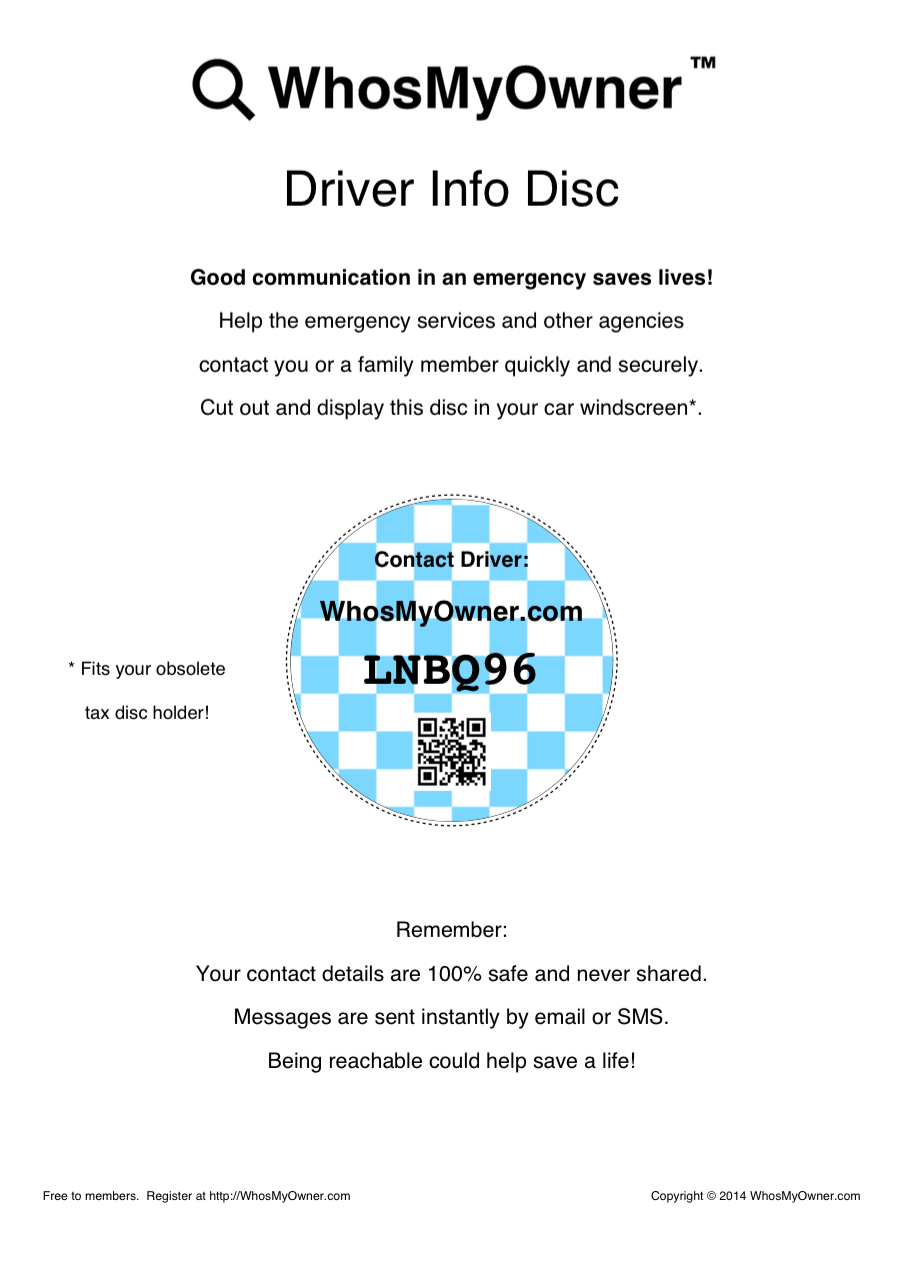
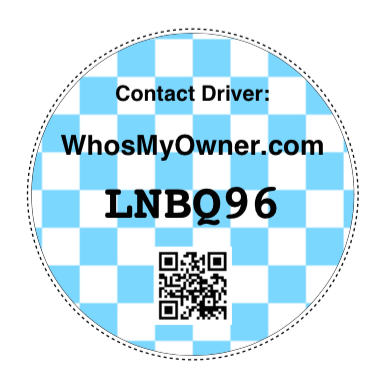
Thanks for all the positive feedback about our new Contact Driver security discs.driver-info-disc-blue-check

It seems they’re far more welcome on UK windscreens than any tax disc ever was, and making them both SECURE and 100% FREE to our subscribers is universally appreciated.

Click the image of the disc to zoom.

If you missed our original article, these discs are designed to fit any UK road tax disc holder, 35 million of which are now redundant and destined for landfill.

We’ve seen plenty of other suggestions for what to put in these holders, ranging from emergency snacks to contact details and your medical profile.

Some of these are undoubtedly useful and could become popular (OK, maybe not the snacks!).   However, after discussions with police and roadside recovery firms, I firmly believe that people need to think very carefully about the possible consequences of leaving private, personally-identifying details in the car.

You wouldn’t leave your smartphone or purse on show in a parked car.  Your personal information is ten times more valuable and a hundred times harder to replace!

The personal security and identity theft risks just might outweigh any benefits.

Our disc avoids these safety risks entirely by displaying only a reference that’s disposable and can’t be used to identify you, only to send you a message.  When someone uses your reference to send a message, we forward it to you (or your emergency contact) by email and/or text message.  You can even leave an outgoing announcement on our system, just like an answering phone.  Crucially, you are never identified.

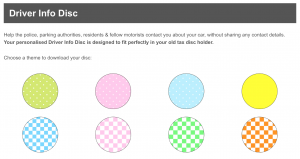
If you needed more choice than the original banana yellow theme, our Contact Driver disc is now available in several new eye-catching designs.

disc-themes


Tagged with: , ,